Overview
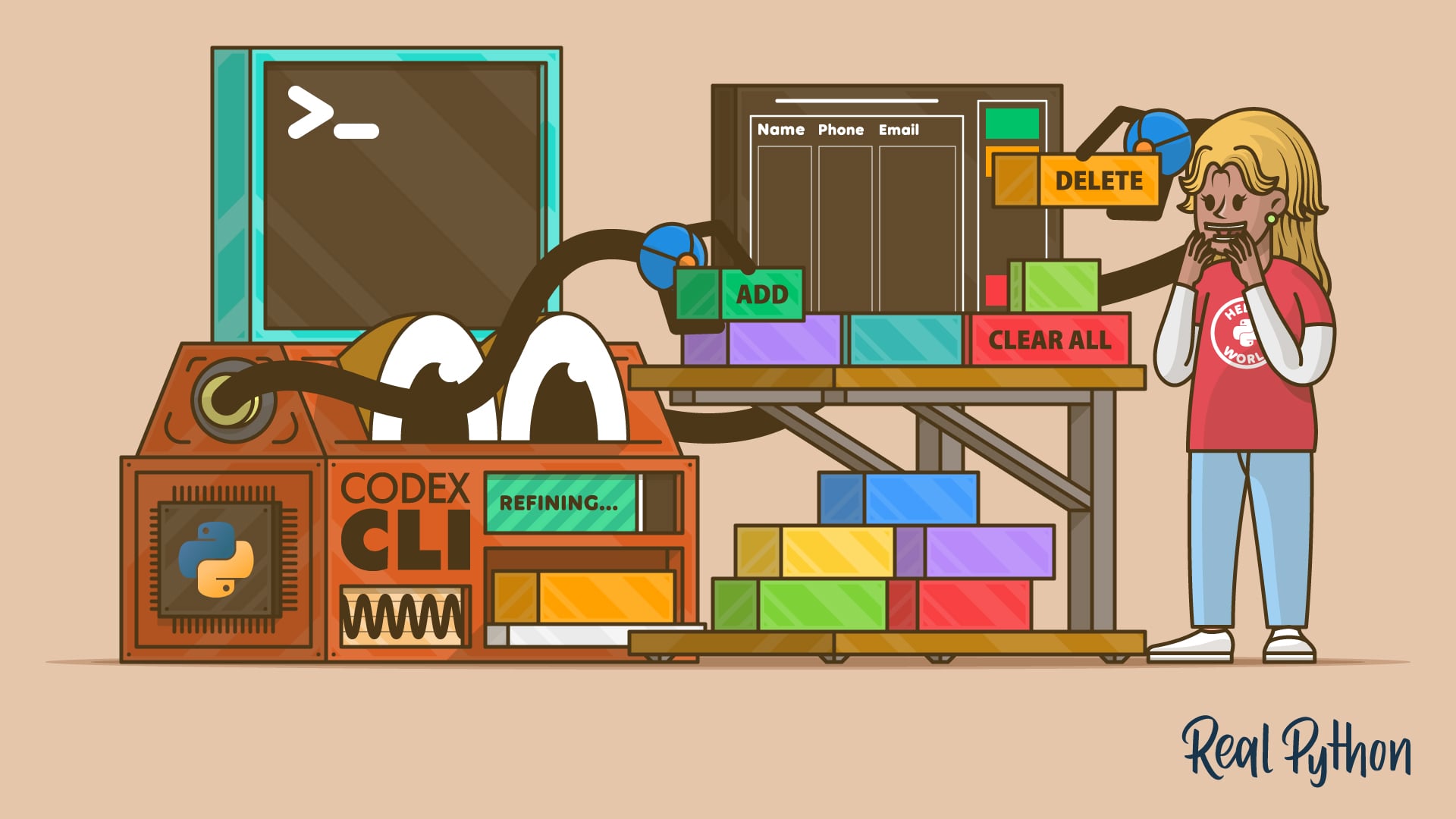
Codex CLI transforms the way you interact with your Python projects by bringing AI-powered assistance directly into your terminal. Unlike traditional AI coding tools that require you to copy-paste code from a browser or rely on IDE plugins, Codex CLI understands your entire project structure, reads existing files, and proposes multi-file changes based on natural language instructions. This tutorial will guide you through installing and configuring Codex CLI, using it to implement a real-world feature—a deletion function in a contact book application—and refining that feature through iterative prompting. By the end, you'll be able to leverage Codex CLI to enhance your Python projects efficiently from the command line.
Prerequisites
- Python 3.8 or later installed on your system.
- A basic understanding of Python and the command line.
- Git (optional but recommended for version control).
- An active OpenAI API key with access to GPT-4 or similar models.
- Terminal emulator (e.g., iTerm2, Windows Terminal, or plain terminal).
Step-by-Step Instructions
1. Install Codex CLI
Start by installing Codex CLI via pip. Open your terminal and run:
pip install codex-cliVerify the installation:
codex --versionYou should see the current version number printed. If you encounter permission errors on macOS/Linux, try adding --user to the pip command or use a virtual environment.
2. Configure Codex CLI
Set your OpenAI API key as an environment variable:
export OPENAI_API_KEY="sk-your-key-here"For convenience, add this line to your ~/.bashrc or ~/.zshrc. Optionally, create a configuration file:
codex config set model gpt-4This ensures Codex CLI uses the most capable model for code generation.
3. Prepare the Contact Book Project
Create a simple Python contact book application with the following file structure:
contact_book/
├── main.py
├── models.py
├── storage.py
└── utils.py
Populate them with basic code. For example, models.py contains a Contact dataclass, storage.py handles JSON file operations, and main.py provides a CLI menu.
4. Use Codex CLI to Implement a Deletion Feature
Navigate to the project root in your terminal. Run Codex CLI in interactive mode:
codexOnce inside the interactive session, describe the feature you want:
Add a function to delete a contact by name from the contact book. Update models.py, storage.py, and main.py accordingly.Codex CLI will analyze your project's existing code and propose changes across multiple files. Review the diff outputs carefully—they appear as unified diffs. Apply changes by typing yes when prompted, or reject and refine your instruction.

5. Iteratively Refine the Feature
After the initial implementation, test it. If the deletion logic lacks confirmation prompts or error handling, ask Codex CLI to improve it:
Add a confirmation step before deleting a contact. Also handle the case when the contact is not found.Codex CLI will generate new diffs that build upon existing code. Repeat this cycle until the feature behaves exactly as you want.
6. Use Non-Interactive Mode for Single Instructions
For quick tasks, skip the interactive session:
codex --prompt "Add unit tests for the delete function in test_storage.py"This is useful for automated scripts or rapid experimentation.
Common Mistakes
- Skipping project structure inspection: Codex CLI works best when it can read your files. Run it from the project root.
- Vague prompts: Instead of “add delete,” be specific: “Add a function to remove a contact by email address, and update the menu in main.py.”
- Not reviewing diffs thoroughly: Codex CLI can make assumptions that conflict with your design. Always review changes before applying.
- Ignoring iterative refinement: The first output is rarely perfect. Use follow-up prompts to correct, extend, or optimize the generated code.
Summary
Codex CLI offers a powerful, terminal-native way to incorporate AI assistance into your Python projects. By installing it, configuring your API key, and using clear, iterative prompts, you can implement complex features like a deletion function in a multi-file application without leaving the command line. Remember to always review generated code, start with precise instructions, and refine through multiple interactions. With practice, Codex CLI becomes an indispensable tool for accelerating Python development.