If you love cutting-edge web techniques—like 3D voxel scenes you can style with CSS, flying focus animations, or fresh new syntax in stylesheets—you're in for a treat. This roundup dives into five standout updates from the web development world, including a tiny engine for voxel art, a clever snippet tool, a focus animating technique, a newly supported CSS selector syntax, and the latest browser platform updates. Each item brings something unique to your workflow, whether you're building interactive visuals or streamlining code. Let's jump right in!
1. Heerich.js: Styleable 3D Voxel Scenes
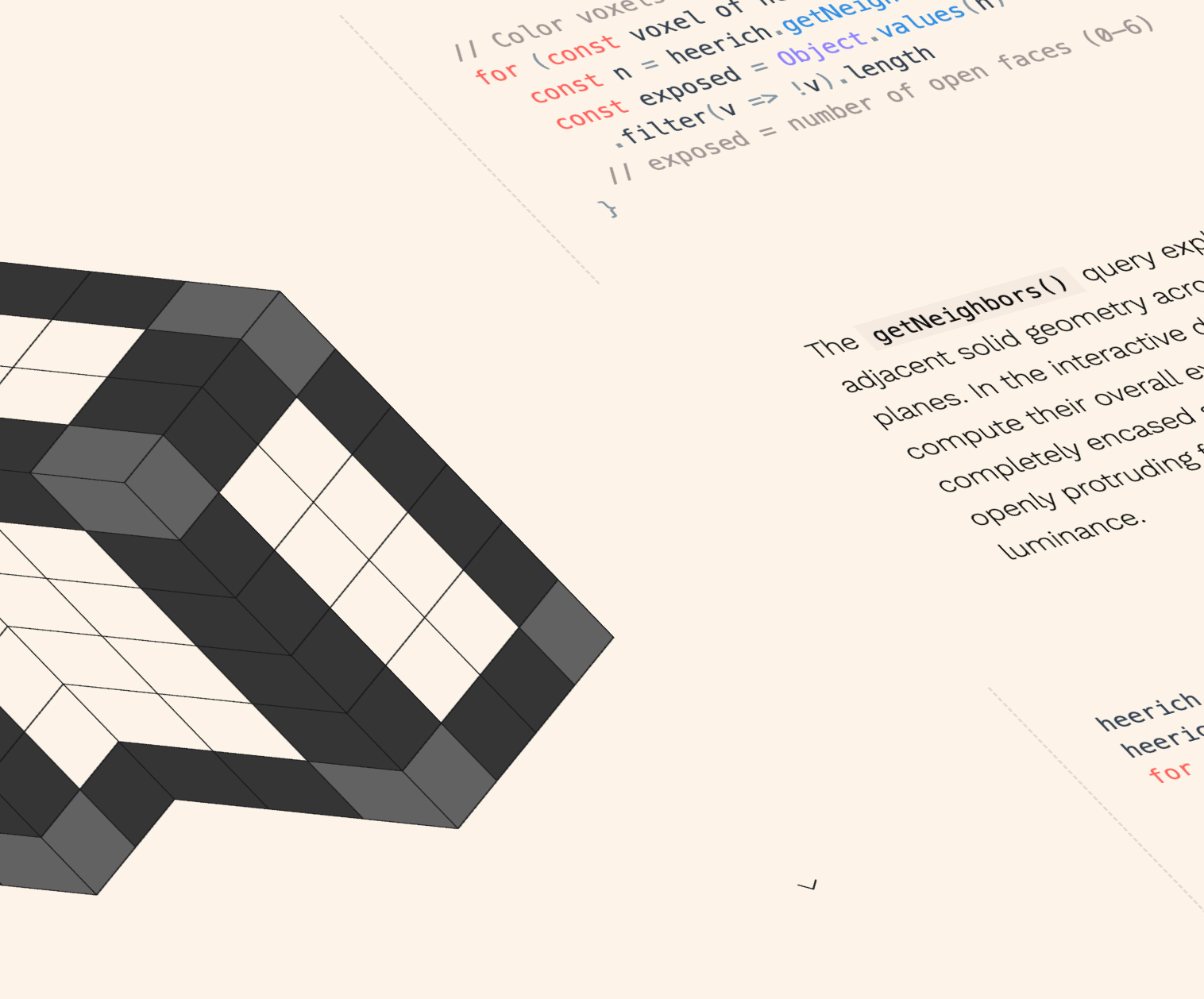
David Aerne created Heerich.js, a lightweight engine inspired by Erwin Heerich's sculptures, that generates 3D voxel scenes as SVG. Since SVGs accept CSS variables, you can style these voxel scenes entirely with your own CSS—changing colors, sizes, and even animations. This opens up a world of possibilities for developers who want 3D aesthetics without heavy libraries. The engine is tiny, making it perfect for quick prototypes or creative coding projects. You can iterate on the design by simply tweaking your stylesheet, which is a huge win for rapid experimentation.
2. Polypane Snippets Store: The 1-Click De-crapulator
Polypane, widely hailed as the best browser for web development, just launched a Snippet Store. One standout snippet is the “1-Click De-crapulator” (brilliant name!), which lets you copy a component's basic HTML without all the bloat. Imagine grabbing clean, semantic structure in one click—no extra classes, no inline styles, just the core markup. This is a huge time-saver when you need to reuse components from a design system or want to quickly prototype. The store is curated and growing, so you can expect more handy snippets to appear. If you haven't tried Polypane yet, now's the perfect moment.
3. Flying Focus with View Transitions
Chris Coyier demonstrated how to animate focus using View Transitions. He compared “unnecessary motion” with WebAIM’s conditional prefers-reduced-motion implementation—an approach that many find sensible because keeping track of focus can be tricky even when it's visible. Down in the comments, Kilian Valkhof (founder of Polypane, actually) shared a pure CSS technique for “floating focus” (or “flying focus” as Chris calls it). This technique combines smooth transitions and careful motion handling, making focus indicators easier to follow. It's a fantastic exploration of modern CSS and user experience. Check out the original CodePen for a fallback view.

4. CSS of <selector> Syntax Now Widely Supported
Paweł Grzybek recently highlighted that the of <selector> syntax in CSS :nth-child() has reached Baseline support. Honestly, many developers missed this feature. It lets you filter sibling elements more precisely. For example:
div:nth-child(2 of .intro) { /* selects the second .intro that is a div */ }You can also combine it with CSS nesting, using & as the parent selector:
.intro { :nth-child(2 of &) { /* selects the second .intro inside .intro */ } }This level of control was previously hard to achieve. If you missed it too, Preethi Sam wrote a detailed article on the topic recently—add it to your reading list. Modern CSS keeps surprising us!
5. Browser Platform Updates: Chrome 148 and Safari 26.5
The latest updates from Chrome 148 and Safari 26.5 bring several improvements to the web platform. Among them, scroll-driven animations are gaining traction, letting you tie CSS animations directly to scroll position without JavaScript. This enables parallax effects, progress bars, and reveal animations with minimal code. Both browsers also include performance enhancements and new APIs. While the full changelog is extensive, these two updates in particular are worth exploring for creating more engaging user experiences. Keep an eye on device-specific features as well—they often unlock new design possibilities.
These five updates showcase the vibrant evolution of web development. From styleable 3D voxels to smarter CSS selectors, there's always something new to try. Which one will you integrate into your next project? Dive in, experiment, and share your results!